Hidden Fees in GPU Rental: How Crypto Payments Save International Users Money
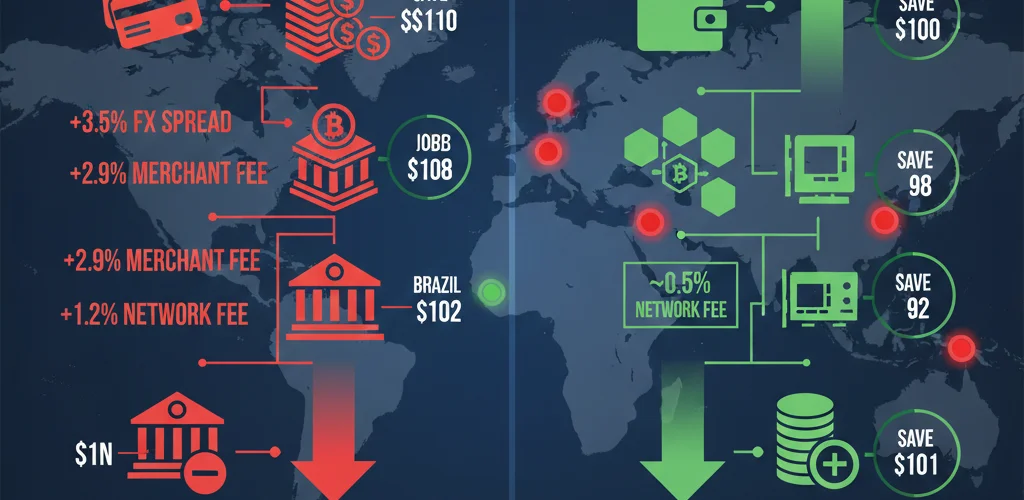
A developer in São Paulo and a developer in San Francisco both rent the same RTX 4090 for the same ten hours at the same listed price of $0.60 per hour. The San Francisco developer pays $6.00. The São Paulo developer pays $6.00 plus a 6.38% IOF tax on international credit card transactions, plus a 2-4% currency conversion spread from BRL to USD, plus whatever markup their bank applies to the Visa/Mastercard exchange rate. Final cost: approximately $6.55-6.70. Over a year of regular GPU usage, those hidden fees add up to a meaningful percentage of total compute spend.
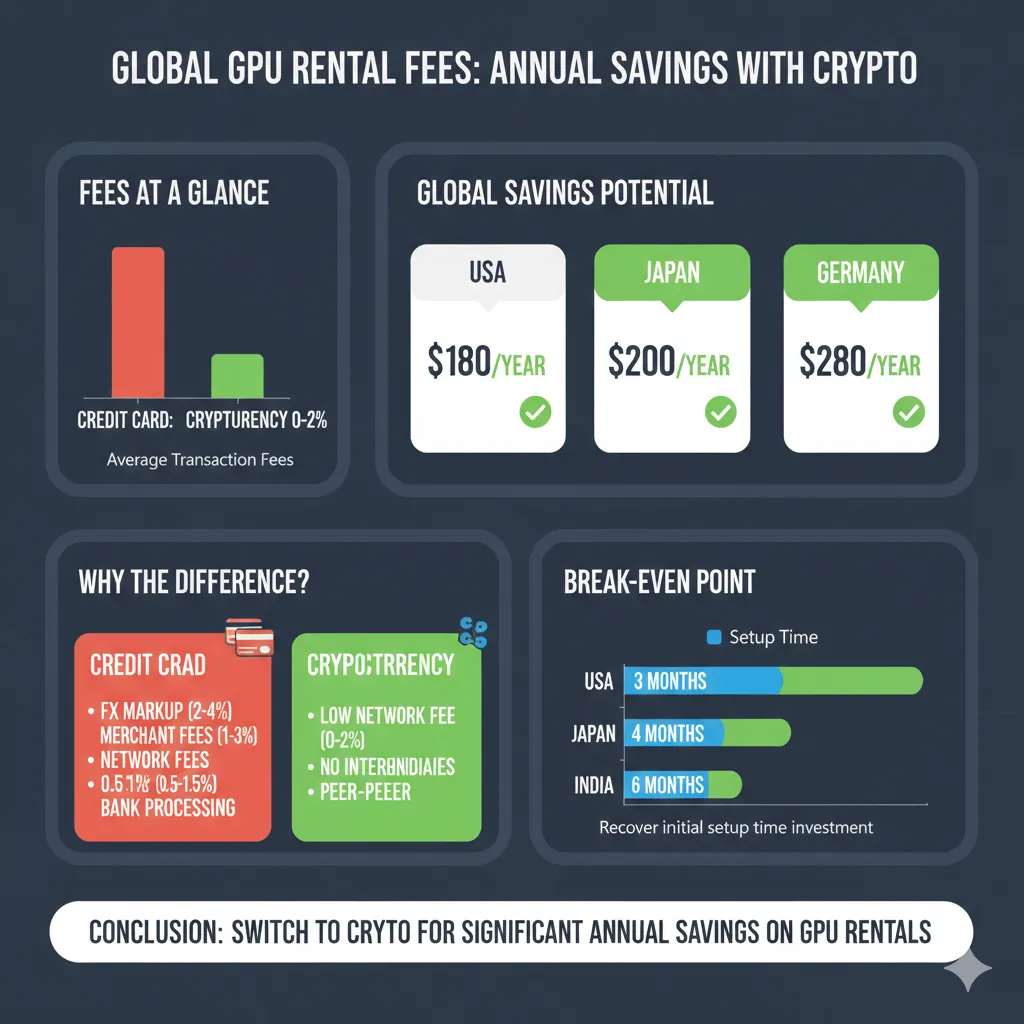
This article breaks down exactly what GPU rental actually costs from different countries when you account for every fee between your bank account and the GPU provider’s income. Then it shows the same calculation using cryptocurrency on Polygon network, where the total transaction cost is $0.03 regardless of whether you are in Lagos, Tokyo, or Buenos Aires. The savings are not theoretical. They are specific, calculable, and in some countries substantial enough to fund additional GPU hours every month.
""For a complete walkthrough of the cryptocurrency payment process itself—including wallet setup, smart contract escrow, and platform-specific guides—see our Complete Guide to Renting GPUs with Cryptocurrency.""
The True Cost of a $100 GPU Rental from Six Different Countries
Understanding international payment costs requires examining the complete fee stack. Every cross-border transaction passes through multiple intermediaries, each extracting a percentage or fixed fee. These costs are often invisible—buried in exchange rates, listed as separate line items users scroll past, or simply deducted before money reaches your account.
The following calculations show the real cost of a $100 GPU rental deposit (approximately 150-200 hours of RTX 3090 time) from six countries representing different regions and banking systems. All calculations use February 2026 exchange rates and current fee structures from major payment processors and banks.
Brazil: The IOF Tax Nobody Warns You About
Scenario: Developer in São Paulo rents GPUs on RunPod using Nubank credit card
Listed GPU cost: $100.00 USD
Fee breakdown:
-
IOF (Imposto sobre Operações Financeiras): 6.38%
- This federal tax applies to all international credit card transactions
- Charged on top of the transaction amount
- Non-negotiable, non-waivable
- Cost: $6.38
-
Currency conversion spread (BRL → USD): 2.5-4%
- Official exchange rate: 4.95 BRL/USD (example)
- Bank applies rate: 5.10-5.15 BRL/USD
- Spread represents bank profit on exchange
- Cost: $2.50-4.00
-
International transaction fee: 3.1%
- Visa/Mastercard network fee
- Charged by card issuer
- Listed separately on statement
- Cost: $3.10
Total fees: $12.00-13.50
Actual cost to Brazilian developer: $112.00-113.50
Effective markup: 12-13.5%
For a developer renting $1,000 worth of GPU time monthly, these fees cost an additional $120-135 per month—enough to fund 20-25 additional hours of RTX 4090 time.
Cryptocurrency alternative:
- Purchase $100 USDC on Mercado Bitcoin (0.5% fee): $0.50
- Transfer USDC to Polygon wallet (network fee): $0.02
- Deposit to GPUFlow (no conversion needed): $0.00
- Total cost: $100.52
- Savings: $11.50-13.00 (11.5-13%)
“Our Complete Guide to Renting GPUs with Cryptocurrency explains smart contract escrow in detail—the mechanism that protects both your payment and guarantees GPU access.”
India: Foreign Transaction Fees on Every Purchase
Scenario: ML engineer in Bangalore rents GPUs using HDFC Bank credit card
Listed GPU cost: $100.00 USD
Fee breakdown:
-
Foreign transaction markup: 3.5%
- Applied by HDFC and most Indian banks
- Sometimes split between bank fee and network fee
- Cost: $3.50
-
Currency conversion (INR → USD): 1.5-2.5%
- Interbank rate: 83.20 INR/USD (example)
- Applied rate: 84.50-85.30 INR/USD
- Difference is bank profit
- Cost: $1.50-2.50
-
GST on foreign transactions: 18% of fees
- Applied to the foreign transaction fee itself
- Tax on a fee (yes, really)
- Cost: $0.63 (18% of $3.50)
Total fees: $5.63-6.63
Actual cost to Indian developer: $105.63-106.63
Effective markup: 5.6-6.6%
Many Indian developers are unaware of the GST component because it appears as a separate tax line item rather than integrated into the GPU rental charge. Over a year of $500 monthly GPU spending, these fees total $337-398.
Cryptocurrency alternative:
- Purchase $100 USDC on WazirX (0.2% fee): $0.20
- Transfer to Polygon wallet (network fee): $0.02
- Deposit to GPU platform: $0.00
- Total cost: $100.22
- Savings: $5.41-6.41 (5.4-6.4%)
Indian regulations restrict cryptocurrency usage, but purchasing and holding crypto remains legal. Using cryptocurrency for international service payments avoids the foreign transaction fee category entirely while remaining compliant with current RBI guidelines.
Nigeria: Wire Transfer Nightmare
Scenario: Developer in Lagos attempting to fund GPU rental via bank transfer (many platforms require this for Nigerian users without international credit cards)
Listed GPU cost: $100.00 USD
Fee breakdown:
-
Outgoing international wire transfer fee: $25-45
- Charged by Nigerian bank
- Fixed fee regardless of amount
- Cost: $25-45
-
Intermediary bank fees: $10-25
- Correspondent bank charges
- Often deducted from transfer amount
- Not disclosed until after transfer
- Cost: $10-25
-
Currency conversion spread (NGN → USD): 3-5%
- Official rate: 815 NGN/USD (example)
- Applied rate: 840-865 NGN/USD
- Parallel market rate adds complexity
- Cost: $3.00-5.00
-
Receiving bank fee (platform’s bank): $15-20
- Often passed to customer
- Sometimes absorbed by platform
- Cost: $15-20 (if charged)
Total fees: $53-95
This makes small GPU rentals economically impossible via wire transfer
For this reason, Nigerian developers either:
- Use international payment services (TransferWise/Wise) with 3-5% fees
- Rely on virtual dollar cards with 4-8% fees
- Use cryptocurrency
Cryptocurrency alternative:
- Purchase $100 USDC on Luno or Binance (0.5% fee): $0.50
- Transfer to Polygon wallet (network fee): $0.02
- Deposit to GPU platform: $0.00
- Total cost: $100.52
- Savings: $52.50-94.50 (compared to wire transfer)
The savings are so dramatic that cryptocurrency becomes the obvious choice for Nigerian users. This explains why Nigerian developers represent one of the fastest-growing user segments on crypto-native GPU platforms.
Japan: The “No Foreign Transaction Fee” Myth
Scenario: Developer in Tokyo using Rakuten Card (advertises no foreign transaction fees)
Listed GPU cost: $100.00 USD
Fee breakdown:
-
Foreign transaction fee: 0%
- Rakuten and some Japanese cards waive this
- Marketed as “overseas shopping friendly”
- Cost: $0.00
-
Currency conversion markup (JPY → USD): 1.6-2.3%
- Visa/Mastercard applies conversion rate
- Rate is wholesale rate + 1.6-2.3% markup
- This is where the bank makes money
- Not disclosed as a “fee” but appears in exchange rate
- Cost: $1.60-2.30
-
Dynamic currency conversion (if accidentally selected): Additional 3-5%
- Many payment forms offer “pay in JPY”
- Always decline this option
- Adds another conversion layer
- Cost: $3.00-5.00 if selected
Total fees: $1.60-2.30 (assuming proper DCC decline)
Actual cost to Japanese developer: $101.60-102.30
Effective markup: 1.6-2.3%
Japanese developers pay the least in international fees among our examples due to strong banking infrastructure and competitive card offerings. However, even these “low” fees compound over time.
Cryptocurrency alternative:
- Purchase $100 USDC on bitFlyer (0.15% fee): $0.15
- Transfer to Polygon wallet (network fee): $0.02
- Deposit to GPU platform: $0.00
- Total cost: $100.17
- Savings: $1.43-2.13 (1.4-2.1%)
The percentage savings are smaller than in other countries, but for a developer spending $2,000 monthly on GPU rental, this still represents $28-42 monthly savings or 340-500 annually.
Germany: SEPA’s Limits Beyond Europe
Scenario: Freelance ML engineer in Berlin using Deutsche Bank account
Listed GPU cost: $100.00 USD
Fee breakdown:
For European platforms accepting SEPA transfers:
- Cost: €0.00 (SEPA transfers are free within EU)
- But most GPU platforms are US-based and require USD
For USD payment to US platform:
-
Foreign transaction fee: 0-1.5%
- Many German cards have low or no foreign transaction fees
- EU regulations limit excessive fees
- Cost: $0.00-1.50
-
Currency conversion (EUR → USD): 1-2%
- Mastercard/Visa network rate
- More transparent than non-EU countries
- Cost: $1.00-2.00
-
International wire transfer (if using bank transfer): €15-25
- For direct bank funding rather than card
- Cost: $16-27 if applicable
Total fees (credit card): $1.00-3.50
Actual cost to German developer: $101.00-103.50
Effective markup: 1-3.5%
Germany represents the best-case scenario for traditional payment methods due to EU consumer protection regulations and competitive banking. Even so, fees exist.
Cryptocurrency alternative:
- Purchase $100 USDC on Kraken (0.26% fee): $0.26
- Transfer to Polygon wallet (network fee): $0.02
- Deposit to GPU platform: $0.00
- Total cost: $100.28
- Savings: $0.72-3.22 (0.7-3.2%)
The savings are smallest for European users, but cryptocurrency provides additional benefits: no waiting for SEPA transfers (which take 1-2 business days), no weekend/holiday delays, and consistent pricing regardless of payment timing.
Turkey: Currency Volatility Adds Hidden Costs
Scenario: Developer in Istanbul using İş Bankası credit card
Listed GPU cost: $100.00 USD
Fee breakdown:
-
Foreign transaction fee: 2.5%
- Standard among Turkish banks
- Cost: $2.50
-
Currency conversion (TRY → USD): 2-4%
- Turkish Lira volatility creates wide spreads
- Banks price in risk premium
- Rate can change between transaction and billing
- Cost: $2.00-4.00
-
Special Communication Tax (ÖİV): 1% of foreign purchase
- Turkish tax on international transactions
- Applied automatically
- Cost: $1.00
-
Value Added Tax (KDV): 20% on digital services
- Technically applies to service, not payment
- Some platforms collect, others don’t
- Creates compliance complexity
- Cost: $20.00 if enforced
Total fees: $5.50-7.50 (plus potential $20 VAT)
Actual cost to Turkish developer: $105.50-127.50
Effective markup: 5.5-27.5% depending on VAT treatment
Turkish developers face additional unpredictability: if GPU rental is classified as a digital service subject to VAT, the effective cost increases dramatically. Currency volatility means the TRY amount charged can differ significantly from the amount expected based on transaction-day rates.
Cryptocurrency alternative:
- Purchase $100 USDC on Binance TR (0.1% fee): $0.10
- Transfer to Polygon wallet (network fee): $0.02
- Deposit to GPU platform: $0.00
- Total cost: $100.12
- Savings: $5.38-27.38 (5.4-27.4%)
Cryptocurrency also provides protection against Lira depreciation. Funds held in USDC maintain dollar value regardless of TRY/USD exchange rate movements.
Credit Card Foreign Transaction Fees: The 3-5% Tax You Might Not Notice
Credit card foreign transaction fees are among the least transparent costs in international payments. Unlike a line item labeled “fee,” these charges often hide within exchange rates or appear as small percentages that seem negligible until calculated across total spending.
How Foreign Transaction Fees Actually Work
When you use a credit card for a purchase in a currency other than your card’s native currency, three entities take a cut:
1. Card network (Visa/Mastercard/Amex):
- Charges 1% “international assessment fee”
- Applied to all cross-border transactions
- Non-negotiable regardless of card issuer
2. Card issuer (your bank):
- Adds 1-3% foreign transaction fee
- Varies by bank and card tier
- Premium cards sometimes waive this
- Budget/basic cards charge the full amount
3. Currency conversion markup:
- Networks set exchange rates slightly worse than interbank rates
- Spread between interbank and applied rate: 0.5-2%
- Advertised as “convenience” but really revenue
- Completely hidden—no line item on statement
Total impact: 2.5-6% depending on card and bank
The Statement Obfuscation
Here is what appears on your credit card statement for a $100 GPU rental:
FEB 10  RUNPOD.IO            $103.20
        FOREIGN TRANS FEE      $3.00
The $3.00 fee is obvious. The $3.20 embedded in the transaction amount is not. That extra $0.20 comes from currency conversion markup—you paid $100 at an exchange rate worse than you would get on forex markets.
Breaking down that $103.20:
- $100.00 = base GPU rental cost
- $2.50 = card issuer foreign transaction fee (2.5%)
- $1.00 = Visa international assessment (1%)
- ~$0.70 = currency conversion markup (0.7%)
- Total markup: $4.20, but only $3.00 shows as “fee”
Premium Cards Are Not Free
Travel rewards cards and premium credit cards often advertise “no foreign transaction fees.” This is partially true and mostly marketing.
What they waive:
- The 1-3% card issuer fee
- Makes the fee structure 1-2% instead of 3-5%
What they do not waive:
- Card network assessment (1%)
- Currency conversion markup (0.5-2%)
- Annual fee ($95-550 to maintain the card)
Example calculation:
Chase Sapphire Reserve (annual fee: $550):
- Foreign transaction fee: 0%
- Visa assessment: 1%
- Conversion markup: ~0.7%
- Total cost on $100 transaction: $101.70
Basic credit card (annual fee: $0):
- Foreign transaction fee: 3%
- Visa assessment: 1%
- Conversion markup: ~0.7%
- Total cost on $100 transaction: $104.70
Premium card saves $3 per $100 transaction. To justify $550 annual fee through GPU rental alone requires $18,300+ annual GPU spending. Most individual developers do not hit this threshold.
The “Pay in Your Currency” Trap
Many payment forms offer “Dynamic Currency Conversion”—the option to see the charge in your home currency rather than USD. This seems helpful. It is expensive.
Example:
German developer sees:
- Option A: Pay $100.00 USD
- Option B: Pay €94.50 EUR (we will convert for you!)
Checking actual exchange rates:
- Market rate: 0.92 EUR/USD
- Market conversion: $100 = €92.00
- DCC conversion: $100 = €94.50
- DCC markup: €2.50 (2.7%)
This €2.50 is pure profit for the payment processor, split with the merchant. It stacks on top of any credit card fees you already pay.
Never select “pay in home currency” for international transactions. Always choose to pay in the merchant’s currency (USD for US-based GPU platforms) and let your bank handle conversion. Your bank’s conversion rate, even with markup, is better than DCC rates.
Why These Fees Exist
Foreign transaction fees are not technical requirements. Modern payment networks process cross-border transactions at negligible marginal cost. The fees exist because:
- Revenue generation: Banks need income beyond interest rate spreads
- Risk premium: Cross-border transactions have slightly higher fraud rates
- Market segmentation: Allows premium cards to differentiate by waiving fees
- Regulatory arbitrage: Different countries regulate these fees differently
- Customer ignorance: Most customers do not calculate total fee impact
European regulations (Payment Services Directive) limit foreign transaction fees within the EU, which is why German developers in our example pay less than Brazilian or Indian developers. US regulations impose no such limits, enabling the 3-5% standard fees.
The Compounding Effect
Foreign transaction fees compound in ways that are not obvious from single-transaction analysis.
Scenario: Developer spending $500 monthly on GPU rental
At 4% foreign transaction fees:
- Monthly fee cost: $20
- Annual fee cost: $240
- Five-year cost: $1,200
That $1,200 could fund:
- 2,000 hours of RTX 3090 time (at $0.60/hr)
- 400 hours of A100 time (at $3.00/hr)
- Approximately 3 additional months of GPU access at current usage rate
For a development team spending $5,000 monthly, the five-year foreign transaction fee cost reaches $12,000—enough to hire a junior developer for a month in many markets.
Currency Conversion Spreads: What Your Bank Charges vs Actual Exchange Rates
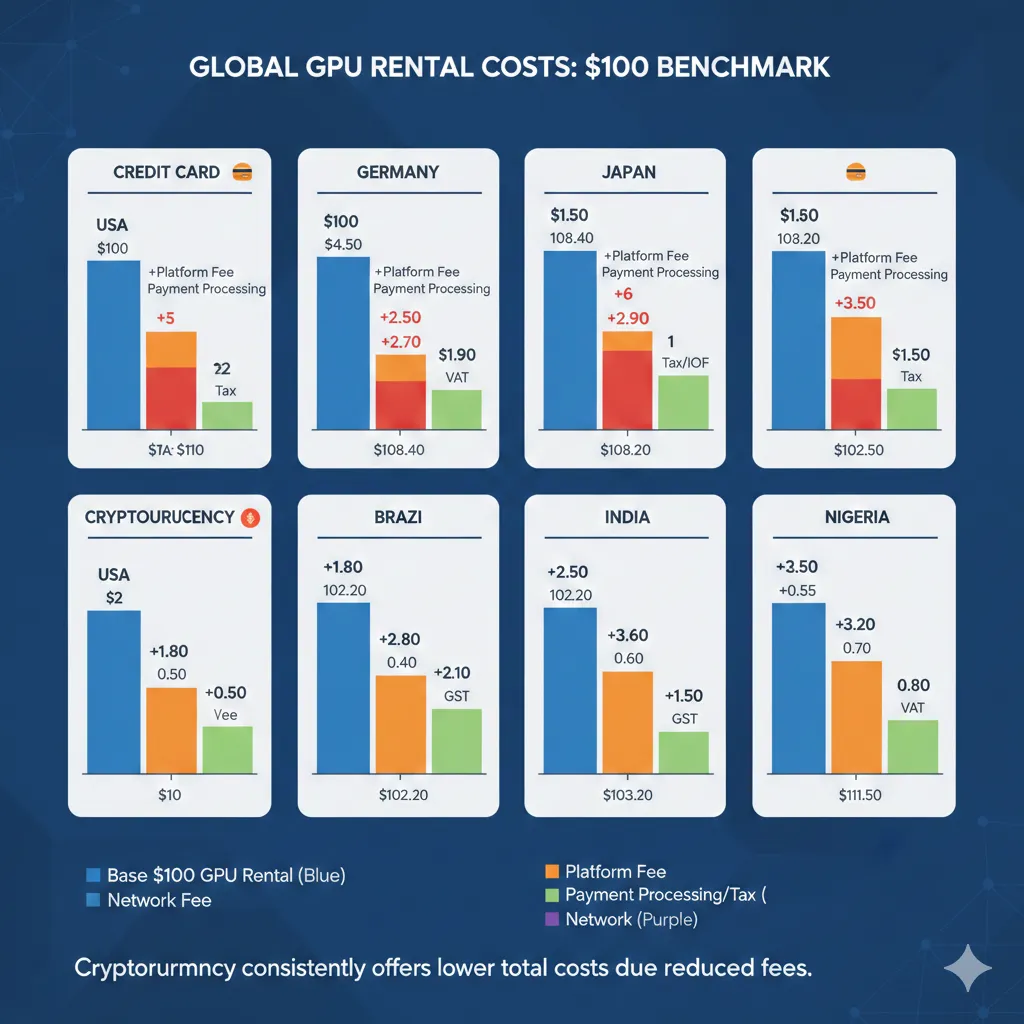
Currency conversion is where banks make invisible money. Unlike transaction fees disclosed on statements, conversion spreads hide inside exchange rates. Most users never notice they are paying more than market rates for currency exchange.
Understanding the Spread
Currency exchange rates exist in layers:
1. Interbank rate (wholesale):
- Rate at which banks trade with each other
- Largest volumes, tightest spreads
- What you see on Google Finance or Bloomberg
- You cannot access this rate as an individual
2. Institutional rate:
- Large corporations and hedge funds
- Interbank + 0.1-0.3% spread
- Requires high volume and negotiation
3. Credit card network rate:
- Visa/Mastercard set daily rates
- Interbank + 0.5-1.5% spread
- Applied to your transaction automatically
4. Retail bank rate:
- Your bank’s exchange counter
- Interbank + 2-5% spread
- Worst rate available, highest profit margin
When you use a credit card for international GPU rental, you get the network rate (layer 3), which is better than walking into a bank but worse than market reality.
Worked Example: EUR to USD Conversion
Date: February 15, 2026
Transaction: €92.00 charge for $100 GPU rental
Interbank rate: 0.9150 EUR/USD
- $100 / 0.9150 = €91.50 at true market rate
Visa network rate: 0.9280 EUR/USD
- $100 / 0.9280 = €92.78 charged to card
Spread: €92.78 - €91.50 = €1.28
- Percentage markup: 1.4%
- Dollar equivalent: $1.40
That €1.28 is bank profit. It does not appear as a fee. Your statement shows “€92.78 = $100.00 at rate 0.9280” and most users assume that is the correct exchange rate because they have no reference point for comparison.
Regional Spread Differences
Currency conversion spreads vary dramatically by country and currency strength:
Stable currency, developed market (EUR, JPY, GBP):
- Typical spread: 0.7-1.5%
- High liquidity, low risk
- Competitive banking markets
Emerging market, volatile currency (TRY, NGN, ARS):
- Typical spread: 2-5%
- Lower liquidity, higher risk
- Banks price in volatility premium
- Parallel market rates complicate official pricing
Example comparison for $100 GPU rental:
| Currency | Interbank | Network Rate | Spread | Cost |
|---|---|---|---|---|
| EUR | 0.9150 | 0.9280 | 1.4% | $1.40 |
| JPY | 148.50 | 150.30 | 1.2% | $1.20 |
| INR | 83.20 | 84.85 | 2.0% | $2.00 |
| BRL | 4.95 | 5.12 | 3.4% | $3.40 |
| TRY | 32.15 | 33.45 | 4.0% | $4.00 |
| NGN | 815 | 848 | 4.0% | $4.00 |
Developers in countries with volatile currencies pay double or triple the conversion spread compared to developers in stable currency regions.
Weekend and Holiday Markups
Currency markets close on weekends and holidays. Banks do not.
When you make a GPU rental transaction on Saturday:
- Forex markets are closed
- Banks apply Friday’s closing rate
- Plus an additional 1-3% weekend markup
- Justified as “risk premium for rate uncertainty”
- In reality, pure profit
Example:
Friday closing rate: 0.9200 EUR/USD
Saturday transaction applied rate: 0.9450 EUR/USD
Weekend markup: 2.7%
For a $100 GPU rental on Saturday:
- Base conversion cost: $1.30 (assuming 1.3% normal spread)
- Weekend markup: $2.70
- Total conversion cost: $4.00
Avoid international transactions on weekends if using credit cards. Wait until Monday when forex markets reopen and weekend markups disappear.
The “Real-Time” Rate Lie
Payment processors advertise “real-time exchange rates” to create the impression of fair conversion. This is technically true and practically misleading.
“Real-time” means:
- Rate is current at transaction moment
- Rate updates based on market movements
- Does not mean rate is market rate
The rate is real-time but includes the 0.7-2% markup mentioned earlier. It moves in sync with interbank rates while maintaining constant spread.
Think of it as a car following another car at fixed distance. The following car is moving in “real-time” relative to the lead car, but it never catches up. That gap is bank profit.
Cryptocurrency Eliminates Conversion Entirely
Cryptocurrency does not solve currency conversion by offering better rates. It solves it by eliminating conversion completely.
Traditional payment flow:
- You hold EUR in bank account
- Bank converts EUR → USD (takes 1-4% spread)
- Payment processor converts USD → platform account (takes 0.5-1%)
- GPU provider receives USD
Cryptocurrency payment flow:
- You hold USDC in wallet (already denominated in USD equivalent)
- Transfer USDC to platform ($0.02 network fee)
- GPU provider receives USDC (can convert to USD if desired, or hold USDC)
Total conversion cost: $0.02 network fee vs $1-5 in traditional spreads
The key insight: stablecoins like USDC are dollar-denominated. Holding $100 USDC is economically equivalent to holding $100 USD. No conversion occurs because both sides of the transaction use the same unit of account.
Verification Exercise: Check Your Own Conversion Rate
Most developers have never calculated what their bank actually charged for currency conversion. Here is how to verify:
Step 1: Find an international transaction on your credit card statement
Step 2: Note the amount in your currency and the amount in merchant currency
Example: Statement shows “€92.78 = $100.00”
Step 3: Calculate applied exchange rate
Applied rate = Your currency / Merchant currency
Applied rate = €92.78 / $100.00 = 0.9278 EUR/USD
Step 4: Look up interbank rate for transaction date
Google “EUR USD historical rate [date]” or use xe.com
Interbank rate on that date: 0.9150 EUR/USD
Step 5: Calculate spread
Spread = (Applied rate - Interbank rate) / Interbank rate
Spread = (0.9278 - 0.9150) / 0.9150 = 1.4%
Step 6: Calculate dollar cost
Cost = Spread × Transaction amount
Cost = 1.4% × $100 = $1.40
Repeat this for several transactions to see your bank’s average spread. Most users discover they are paying 1-3% on every international transaction without realizing it.
Wire Transfers and ACH: Why Bank Payments Cost More Than You Think
Credit cards are expensive for international payments, but wire transfers can be worse. Many GPU rental platforms accept bank transfers for users without international credit cards or for large prepaid deposits. The fee structures make small transactions economically irrational.
Anatomy of an International Wire Transfer
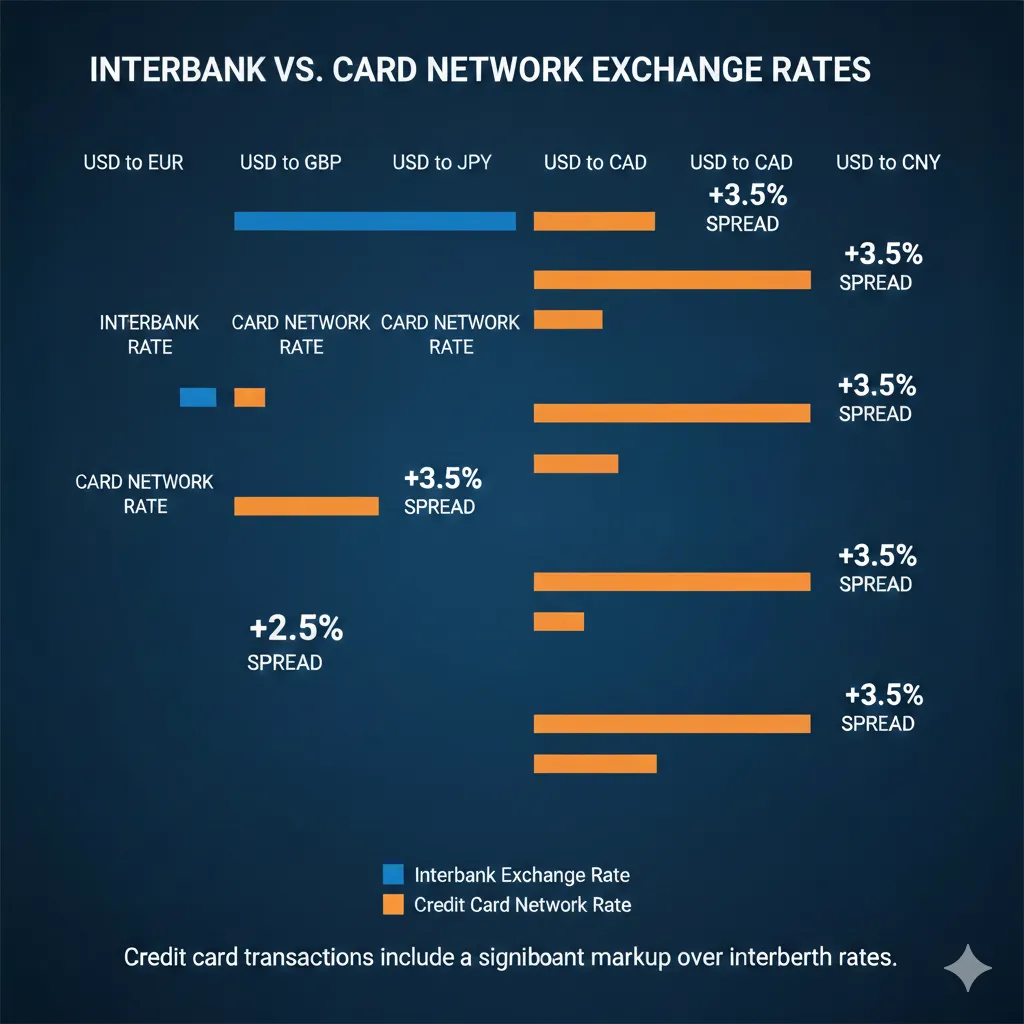
When you send money from your bank to a US-based GPU platform, the transfer passes through multiple institutions:
1. Your bank (originating bank):
- Charges outgoing wire fee: $15-50
- Applies currency conversion (if not sending USD)
- May charge “handling fee” or “processing fee”
2. Correspondent bank(s):
- Intermediary banks that facilitate cross-border transfers
- Each correspondent charges $10-25
- Number of correspondents: 1-3 depending on routing
- Fees deducted from transfer amount (you send $100, they receive $75)
3. Receiving bank (platform’s bank):
- Charges incoming wire fee: $10-25
- May be passed to customer or absorbed by platform
- Often not disclosed until after transfer
4. SWIFT network:
- Message fee: $0.05-0.20 per transfer
- Negligible compared to bank fees
- The only fee that reflects actual cost of moving information
Total wire transfer overhead: $35-100+ depending on routing
Small Transfers Are Economically Impossible
Wire transfer fees are largely fixed regardless of amount. This creates devastating economics for small GPU rental deposits.
$50 GPU rental deposit via wire transfer:
| Fee Component | Amount |
|---|---|
| Originating bank fee | $25 |
| Correspondent bank fee | $15 |
| Currency conversion (3%) | $1.50 |
| Total fees | $41.50 |
| Effective cost | $91.50 for $50 deposit |
| Fee percentage | 83% |
At 83% fees, you pay $91.50 to deposit $50. This is not an edge case—it represents the reality for developers in countries where credit cards are unavailable or restricted for international use.
$500 GPU rental deposit via wire transfer:
| Fee Component | Amount |
|---|---|
| Originating bank fee | $25 |
| Correspondent bank fee | $15 |
| Currency conversion (3%) | $15.00 |
| Total fees | $55.00 |
| Effective cost | $555 for $500 deposit |
| Fee percentage | 11% |
At $500, the fee percentage drops to 11%—still high but potentially acceptable for users without alternatives.
Break-even analysis: Wire transfers only become cost-competitive with credit cards at approximately $1,500+ transaction sizes, where the fixed fees distribute across a larger base.
The Correspondent Bank Problem
Correspondent banking adds unpredictable costs because you cannot control routing. Your bank may use one correspondent; next month it might use two. Fees are deducted silently.
Example scenario:
Developer in Kenya sends $200 to fund GPU rental:
- Sends: $200 from Equity Bank Kenya
- Equity Bank fee: $35
- First correspondent (South Africa): $20
- Second correspondent (New York): $15
- Receiving bank: $12
- Arrives at platform: $118
- Lost to fees: $82 (41%)
The developer expected $165 to arrive (accounting for their bank’s stated $35 fee). Instead, $82 disappeared through correspondent banks they did not choose and whose fees were not disclosed upfront.
This unpredictability makes budgeting impossible. You cannot know the actual cost of GPU rental until funds arrive, which may be 2-5 business days after initiating transfer.
ACH and Domestic Transfers: Better But Limited
ACH (Automated Clearing House) transfers within the United States are cheap or free. International developers cannot access this system.
US developer using ACH:
- Transfer fee: $0
- Processing time: 1-3 business days
- No currency conversion (USD → USD)
- Total cost: $0
International developer’s options:
- Wire transfer: $35-100+ in fees
- Credit card: 3-8% in fees
- Third-party services (Wise, PayPal): 1-5% in fees
- Cryptocurrency: $0.02-0.10 in fees
The disparity is stark. US developers pay nothing for bank transfers. International developers pay 3-40%+ depending on method and amount.
Third-Party Transfer Services
Services like Wise (formerly TransferWise), Remitly, and WorldRemit offer improved rates compared to traditional bank wires. They remain more expensive than cryptocurrency.
Wise fee structure for $100 transfer:
| Origin Country | Fee | Conversion Markup | Total |
|---|---|---|---|
| Brazil | $2.50 | 1.5% | $4.00 |
| India | $1.80 | 1.2% | $3.00 |
| Nigeria | $4.20 | 2.0% | $6.20 |
| Japan | $1.50 | 0.8% | $2.30 |
| Germany | $0.80 | 0.6% | $1.40 |
| Turkey | $3.50 | 1.8% | $5.30 |
Wise represents a significant improvement over bank wires—$4.00 versus $40.00+ for Brazilian users. However, these fees still exceed cryptocurrency transaction costs by 20-200x.
Wise advantages:
- Transparent fee disclosure before transfer
- Mid-market exchange rates (no hidden spread)
- Faster than traditional wires (1-2 days vs 3-5 days)
- Lower minimums than banks
Wise limitations:
- Still requires bank account
- Transfer delays (not instant)
- Fees add up across multiple deposits
- Not available in all countries
- Daily/monthly transfer limits
Payment Method Comparison Matrix
For a developer making twelve $100 GPU rental deposits per year:
| Payment Method | Per-Transaction Fee | Annual Cost | Notes |
|---|---|---|---|
| US ACH | $0 | $0 | US residents only |
| Cryptocurrency (Polygon) | $0.02 | $0.24 | Global access |
| Wise | $3-6 | $36-72 | Varies by country |
| Credit card (no foreign fee) | $1.50-2.50 | $18-30 | Premium cards only |
| Credit card (standard) | $4-8 | $48-96 | Most common |
| Wire transfer | $40-80 | $480-960 | Economically irrational |
The annual cost difference between cryptocurrency ($0.24) and standard credit cards ($48-96) represents 80-160 additional hours of RTX 3090 rental time.
Platform-Side Receiving Fees
GPU rental platforms also pay fees to receive your payment. These costs are built into platform fees and pricing.
Platform payment processing costs:
| Method | Platform Pays | Who Bears Cost |
|---|---|---|
| Credit card | 2.5-3.5% + $0.30 | Built into platform fee |
| Wire transfer | $15-25 incoming | Often charged to customer |
| ACH | $0.20-0.50 | Absorbed by platform |
| Cryptocurrency | $0.01-0.10 | Negligible |
Platforms accepting cryptocurrency can charge lower platform fees because their payment processing costs are near zero. GPUFlow’s 10-15% platform fee versus RunPod’s ~20% fee partially reflects this difference.
“Smart contract escrow—covered in depth in our guide to cryptocurrency GPU rental which further reduces platform costs by automating dispute resolution.”
When platforms reduce payment processing costs, they can:
- Lower platform fees
- Pay GPU providers more (attracting better hardware)
- Offer competitive pricing against hyperscalers
- All three simultaneously
Cryptocurrency payment benefits both sides of the marketplace, not just the paying customer.
Country-by-Country Breakdown: Where Crypto Saves the Most
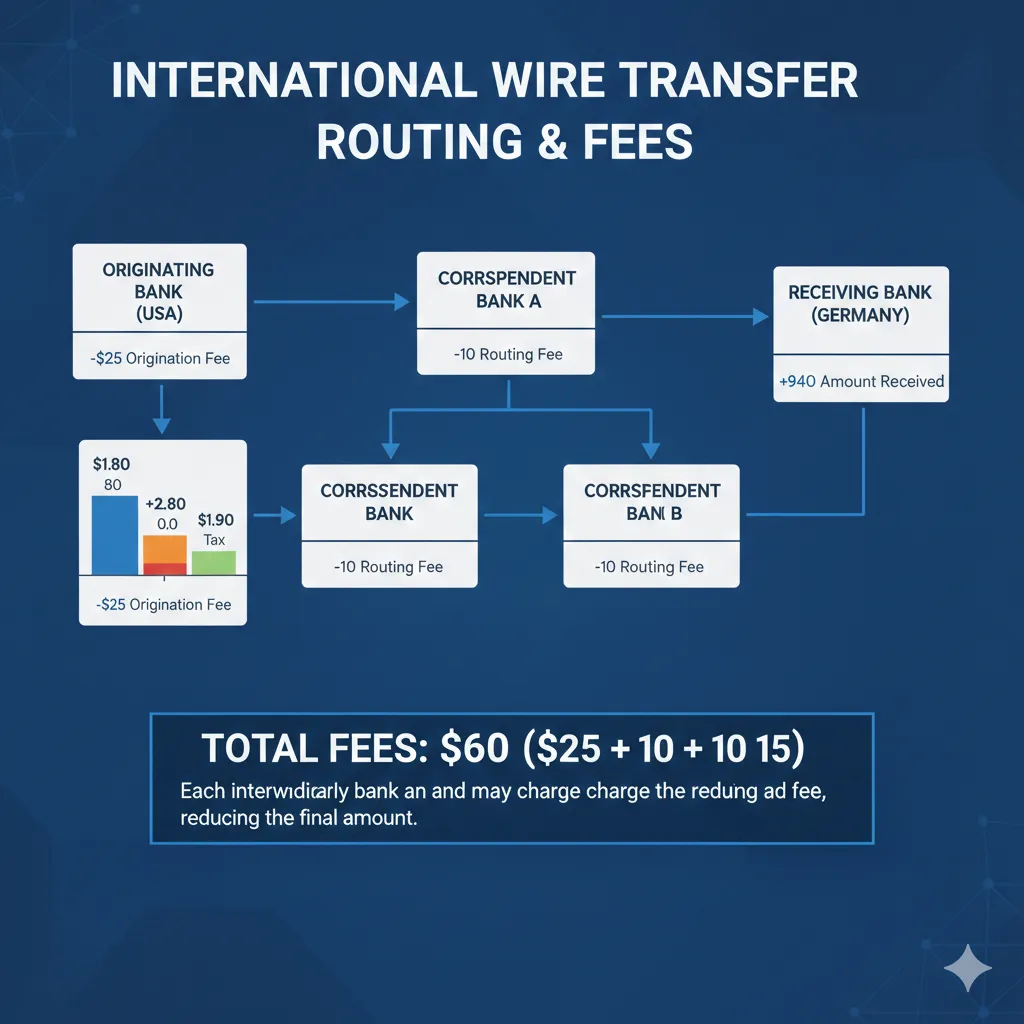
Different countries face different fee structures based on banking infrastructure, currency stability, regulations, and international payment access. This section provides detailed analysis for each target market with specific optimization strategies.
Brazil: Eliminating the IOF Tax
The IOF problem:
Brazil’s Imposto sobre Operações Financeiras (IOF) is a federal tax on financial operations including international credit card transactions. At 6.38%, it represents one of the highest government-imposed international transaction taxes globally.
IOF applies to:
- International credit card purchases
- Foreign currency purchases
- International remittances
- Certain investment operations
IOF does not apply to:
- Cryptocurrency purchases (taxed differently under capital gains)
- Domestic transactions
- SWIFT wires (taxed at different, lower rate)
Brazilian developer annual calculation:
Monthly GPU spending: R$2,500 ($500 USD)
Annual GPU spending: R$30,000 ($6,000 USD)
Using international credit card:
| Fee Type | Rate | Annual Cost |
|---|---|---|
| IOF tax | 6.38% | $382.80 |
| Foreign transaction fee | 3.0% | $180.00 |
| Currency conversion | 2.5% | $150.00 |
| Total fees | 11.88% | $712.80 |
Using cryptocurrency (Polygon USDC):
| Fee Type | Rate | Annual Cost |
|---|---|---|
| Mercado Bitcoin purchase fee | 0.5% | $30.00 |
| Polygon transaction fees | $0.02 × 12 | $0.24 |
| Total fees | 0.5% | $30.24 |
Annual savings: $682.56 Monthly GPU hours funded by savings: 113 hours (RTX 3090 at $0.50/hr)
Optimization strategy for Brazilian users:
- Purchase USDC on Mercado Bitcoin or Binance Brazil
- Withdraw to personal wallet on Polygon network
- Use GPUFlow or other crypto-native platform
- Avoid IOF entirely through crypto classification
Brazilian tax law treats cryptocurrency as an asset subject to capital gains, not as a financial operation subject to IOF. This classification difference creates the savings opportunity.
Important note: Consult Brazilian tax professional regarding cryptocurrency reporting requirements. Capital gains above R$35,000 monthly require declaration.
India: Working Around RBI Restrictions
Regulatory landscape:
The Reserve Bank of India (RBI) has implemented various cryptocurrency restrictions, but outright bans have been overturned by courts. Current status (February 2026):
- Cryptocurrency trading: Legal
- Cryptocurrency holding: Legal
- Using crypto for payments: Gray area, not explicitly prohibited
- Banking access for crypto exchanges: Restored after 2020 Supreme Court ruling
Indian developer challenges:
- High foreign transaction fees (3.5%+ standard)
- GST on foreign transaction fees (18% of the fee)
- Limited international credit card availability for many users
- UPI and domestic payment systems do not work internationally
Cost comparison for Indian developer:
Monthly GPU spending: ₹42,000 ($500 USD)
Annual GPU spending: ₹504,000 ($6,000 USD)
Using HDFC credit card:
| Fee Type | Rate | Annual Cost |
|---|---|---|
| Foreign transaction fee | 3.5% | $210.00 |
| GST on foreign fee | 18% of $210 | $37.80 |
| Currency conversion | 2.0% | $120.00 |
| Total fees | 6.13% | $367.80 |
Using cryptocurrency (WazirX → Polygon):
| Fee Type | Rate | Annual Cost |
|---|---|---|
| WazirX purchase fee | 0.2% | $12.00 |
| Withdrawal to wallet | ₹10 (~$0.12) × 12 | $1.44 |
| Polygon transaction fees | $0.02 × 12 | $0.24 |
| Total fees | 0.23% | $13.68 |
Annual savings: $354.12
Optimization strategy for Indian users:
- Use P2P trading on WazirX or CoinDCX for best INR → USDC rates
- Withdraw USDC directly to Polygon network (avoid Ethereum mainnet fees)
- Time purchases to avoid high-volume periods with wider spreads
- Maintain records for tax compliance (30% capital gains tax on crypto)
Tax consideration: India imposes 30% tax on cryptocurrency gains plus 1% TDS on transactions above ₹50,000. For GPU rental (spending crypto, not selling for fiat), tax implications are complex. Consult Indian tax professional.
Nigeria: Escaping Wire Transfer Fees
The Nigerian payment challenge:
Nigerian developers face the most difficult international payment environment among our target markets:
- International credit cards: Rare, often declined, strict limits
- Wire transfers: $25-50 fees plus correspondent charges
- PayPal: Limited functionality, high fees
- Naira instability: Parallel market rates diverge 20-40% from official rates
Many Nigerian developers simply cannot access international GPU rental through traditional payment methods at reasonable cost.
Cost comparison for Nigerian developer:
Monthly GPU spending: ₦400,000 ($500 USD at parallel rate)
Annual GPU spending: ₦4,800,000 ($6,000 USD)
Using wire transfer:
| Fee Type | Amount | Annual Cost |
|---|---|---|
| Outgoing wire fee | $35 × 12 | $420.00 |
| Correspondent fees | $20 × 12 | $240.00 |
| Currency spread (official vs actual rate) | ~15% | $900.00 |
| Total fees | 26% | $1,560.00 |
Using cryptocurrency (Luno → Polygon):
| Fee Type | Rate | Annual Cost |
|---|---|---|
| Luno purchase fee | 0.5% | $30.00 |
| Withdrawal to wallet | $1.00 × 12 | $12.00 |
| Polygon transaction fees | $0.02 × 12 | $0.24 |
| Total fees | 0.7% | $42.24 |
Annual savings: $1,517.76 Percentage of GPU budget recovered: 25.3%
The savings are dramatic. A Nigerian developer using cryptocurrency effectively gets 25% more GPU time than one using wire transfers.
Optimization strategy for Nigerian users:
- Use Luno, Quidax, or Binance P2P for NGN → USDC conversion
- P2P often offers better rates than exchange spot markets
- Purchase during low-volatility periods to minimize spread
- Consider USDT as alternative (higher liquidity in Nigerian market)
- Withdraw to Polygon or Solana (avoid Ethereum mainnet fees)
Exchange rate consideration: Nigerian P2P crypto markets trade at rates reflecting parallel market (actual economic value of Naira), not official CBN rates. This means crypto conversion often provides better effective exchange rates than traditional banking channels.
Japan: Marginal Savings, Maximum Convenience
Japanese payment environment:
Japan has one of the most developed banking and payment systems globally. International transaction fees are among the lowest for developed countries:
- No-foreign-fee credit cards: Widely available
- Currency conversion spreads: Competitive (1-2%)
- Wire transfers: Expensive but rarely needed
- Cryptocurrency: Legal, regulated, accessible
For Japanese developers, cryptocurrency provides smaller percentage savings but significant convenience benefits.
Cost comparison for Japanese developer:
Monthly GPU spending: ¥75,000 ($500 USD)
Annual GPU spending: ¥900,000 ($6,000 USD)
Using Rakuten Card (no foreign fee):
| Fee Type | Rate | Annual Cost |
|---|---|---|
| Foreign transaction fee | 0% | $0.00 |
| Visa conversion markup | 1.6% | $96.00 |
| Total fees | 1.6% | $96.00 |
Using cryptocurrency (bitFlyer → Polygon):
| Fee Type | Rate | Annual Cost |
|---|---|---|
| bitFlyer purchase fee | 0.15% | $9.00 |
| Withdrawal to wallet | ¥400 (~$2.65) × 12 | $31.80 |
| Polygon transaction fees | $0.02 × 12 | $0.24 |
| Total fees | 0.68% | $41.04 |
Annual savings: $54.96
The savings are modest compared to other countries. However, Japanese users benefit from:
Convenience advantages:
- Instant settlement (vs 2-5 day credit card processing for withdrawals)
- No weekend/holiday delays
- Consistent pricing regardless of transaction timing
- Privacy (no transaction details on credit card statement)
Optimization strategy for Japanese users:
- Use bitFlyer or GMO Coin for regulated JPY → USDC exchange
- Consider whether convenience benefits justify setup effort for small savings
- For high-volume users ($1,000+/month), savings become more significant
- Cryptocurrency provides hedge against future Yen weakness
Germany: SEPA Limitations and EUR Optimization
European payment context:
Within the EU, SEPA transfers are free and instant. However:
- Most GPU platforms are US-based, requiring USD
- SEPA does not extend outside Eurozone
- EUR → USD conversion still required for non-EU platforms
German developers face lower fees than emerging markets but higher fees than US developers.
Cost comparison for German developer:
Monthly GPU spending: €460 ($500 USD)
Annual GPU spending: €5,520 ($6,000 USD)
Using N26 debit card:
| Fee Type | Rate | Annual Cost |
|---|---|---|
| Foreign transaction fee | 0% | $0.00 |
| Mastercard conversion | 1.2% | $72.00 |
| Total fees | 1.2% | $72.00 |
Using cryptocurrency (Kraken → Polygon):
| Fee Type | Rate | Annual Cost |
|---|---|---|
| Kraken purchase fee | 0.26% | $15.60 |
| Withdrawal to wallet | €0.80 (~$0.87) × 12 | $10.44 |
| Polygon transaction fees | $0.02 × 12 | $0.24 |
| Total fees | 0.44% | $26.28 |
Annual savings: $45.72
Optimization strategy for German users:
- Use Kraken or Bitstamp (EU-regulated exchanges)
- SEPA deposit to exchange is free and fast
- Consider whether setup overhead justifies €45 annual savings
- Higher-volume users see proportionally larger benefits
- Cryptocurrency provides consistent pricing vs variable card conversion rates
Turkey: Currency Volatility Protection
Turkish Lira instability:
The Turkish Lira has depreciated significantly against USD over the past five years. This creates unique challenges:
- TRY/USD rate can move 5-10% in a single week
- Banks widen conversion spreads during volatility
- Timing transactions becomes critically important
- Holding TRY exposes savings to depreciation
Cost comparison for Turkish developer:
Monthly GPU spending: ₺16,000 ($500 USD)
Annual GPU spending: ₺192,000 ($6,000 USD)
Using İş Bankası credit card:
| Fee Type | Rate | Annual Cost |
|---|---|---|
| Foreign transaction fee | 2.5% | $150.00 |
| Currency conversion | 3.0% | $180.00 |
| ÖİV tax | 1.0% | $60.00 |
| Volatility timing losses | ~2.0% | $120.00 |
| Total fees | 8.5% | $510.00 |
The “volatility timing losses” represent the average cost of transacting at suboptimal moments when the Lira is weak versus transacting when favorable.
Using cryptocurrency (BtcTurk → Polygon):
| Fee Type | Rate | Annual Cost |
|---|---|---|
| BtcTurk purchase fee | 0.2% | $12.00 |
| Withdrawal to wallet | ₺50 (~$1.55) × 12 | $18.60 |
| Polygon transaction fees | $0.02 × 12 | $0.24 |
| Total fees | 0.51% | $30.84 |
Annual savings: $479.16
Currency protection benefit:
Beyond transaction savings, cryptocurrency provides protection against Lira depreciation:
- Convert TRY → USDC when Lira is strong
- Hold USDC (dollar-denominated) until needed
- GPU rental cost remains stable in dollar terms
- Avoid timing pressure from currency volatility
Optimization strategy for Turkish users:
- Convert TRY to USDC during periods of Lira strength
- Hold USDC balance for GPU expenses rather than converting per-transaction
- Use BtcTurk or Paribu for TRY → USDC conversion
- Consider USDT as alternative (higher liquidity in Turkish market)
- Maintain larger USDC buffer to avoid forced conversion during Lira weakness
Argentina: Navigating Currency Controls
Argentine peso challenges:
Argentina maintains strict currency controls that make international payments extremely difficult:
- Official exchange rate: Government-mandated, significantly overvalued
- Blue dollar rate: Parallel market rate, 20-50% higher than official
- Credit card purchases: Charged at official rate plus 75-100% taxes
- Wire transfers: Subject to controls and approval
For Argentine developers, traditional international payments are nearly impossible at reasonable rates.
The “dólar tarjeta” problem:
When Argentine residents use credit cards internationally, they pay:
- Official exchange rate (artificially low)
- 30% PAIS tax
- 45% perception tax (income tax advance)
- Total: 75%+ above the real exchange rate
This means a $100 GPU rental costs approximately ARS 175,000+ at official rates—versus ARS 100,000 at blue dollar rates.
Cost comparison for Argentine developer:
Monthly GPU spending: $500 USD equivalent Annual GPU spending: $6,000 USD equivalent
Using credit card (dólar tarjeta):
| Fee Type | Rate | Annual Cost (USD equivalent) |
|---|---|---|
| PAIS tax | 30% | $1,800.00 |
| Perception tax | 45% | $2,700.00 |
| Card fees | 3% | $180.00 |
| Total overhead | 78% | $4,680.00 |
An Argentine developer pays approximately $10,680 for $6,000 worth of GPU time using credit cards.
Using cryptocurrency (P2P → Polygon):
| Fee Type | Rate | Annual Cost |
|---|---|---|
| P2P purchase at blue rate | 1-2% | $90.00 |
| Wallet transfer | $0.50 × 12 | $6.00 |
| Polygon transaction fees | $0.02 × 12 | $0.24 |
| Total fees | 1.6% | $96.24 |
Annual savings: $4,583.76 Percentage of GPU budget recovered: 76%
Argentine developers using cryptocurrency pay roughly one-quarter what credit card users pay for equivalent GPU access.
Optimization strategy for Argentine users:
- Use Binance P2P or local platforms for ARS → USDC at blue rate
- P2P trading connects you with individuals selling USDC for ARS
- Transaction happens at market rate, not government rate
- Withdraw USDC to personal wallet immediately after purchase
- Use GPUFlow or other no-KYC platforms to avoid identity linkage
Legal consideration: Using cryptocurrency to access blue dollar rates operates in legal gray area. Consult Argentine legal professional regarding current regulations.
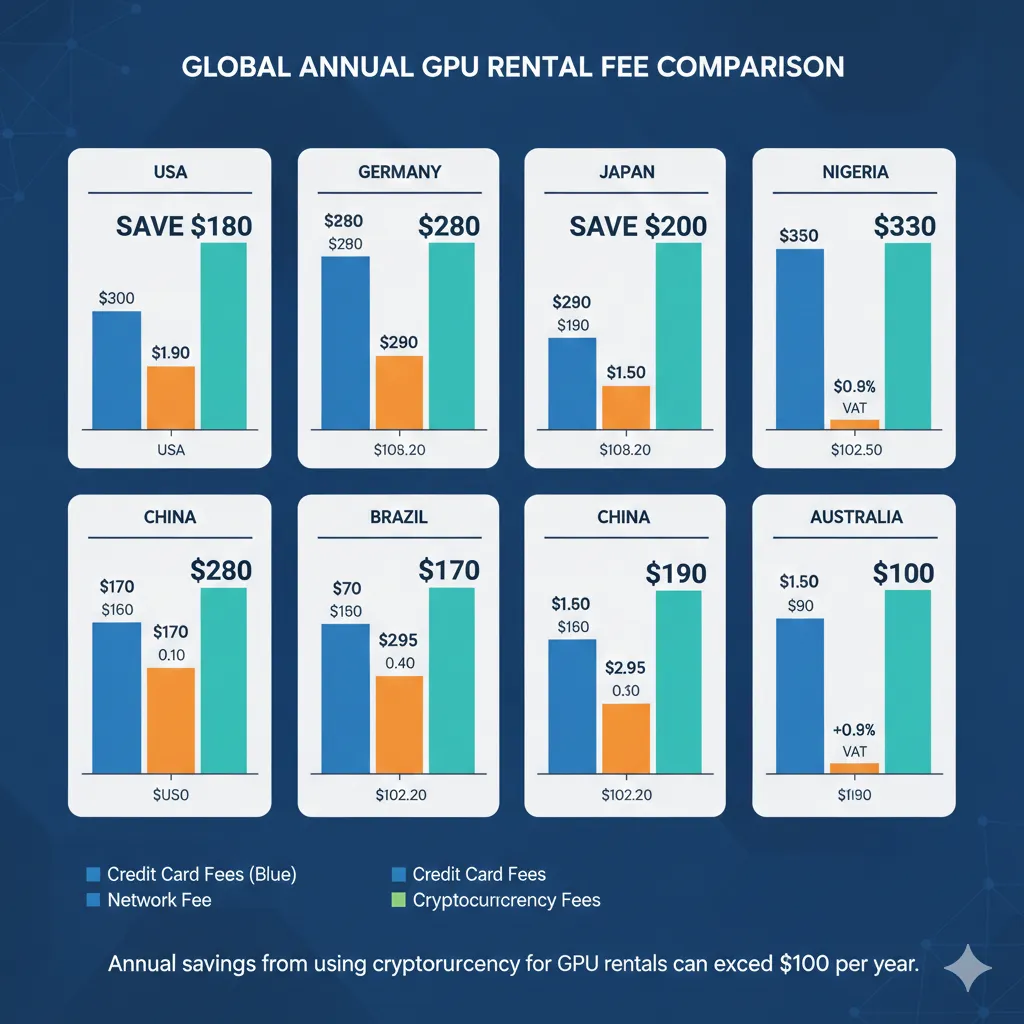
The Cryptocurrency Cost Advantage: Complete Analysis
Having examined individual country scenarios, we can now present comprehensive analysis of cryptocurrency payment benefits across all markets.
Fee Elimination Summary
Cryptocurrency payments eliminate multiple fee categories simultaneously:
| Fee Type | Credit Card | Wire Transfer | Cryptocurrency |
|---|---|---|---|
| Foreign transaction fee | 1-5% | N/A | 0% |
| Currency conversion spread | 1-4% | 2-5% | 0%* |
| Card network assessment | 1% | N/A | 0% |
| Wire transfer fees | N/A | $35-100 | 0% |
| Correspondent bank fees | N/A | $20-50 | 0% |
| Government taxes (IOF, ÖİV) | 1-6.4% | Varies | 0%** |
| Blockchain transaction fee | 0% | 0% | $0.01-0.10 |
*Currency conversion occurs when purchasing stablecoins, but spread is typically 0.1-0.5% versus 1-4% for card transactions
**Tax treatment varies by jurisdiction; some countries tax crypto differently
Network Selection Optimization
Not all cryptocurrency networks offer equal transaction costs. Selecting the appropriate network maximizes savings:
| Network | Transaction Fee | Confirmation Time | GPU Platform Support |
|---|---|---|---|
| Polygon | $0.001-0.05 | 2-5 seconds | GPUFlow, some others |
| Solana | $0.0001-0.01 | 400ms-2 seconds | GPUFlow, limited |
| Arbitrum | $0.01-0.20 | 1-3 seconds | Growing support |
| Optimism | $0.01-0.15 | 1-3 seconds | Limited |
| Ethereum mainnet | $0.50-5.00 | 15-60 seconds | Most platforms |
| Bitcoin | $1-15 | 10-60 minutes | Via payment processors |
Recommendation: Use Polygon or Solana for GPU rental payments. Ethereum mainnet fees, while lower than banking fees, remain unnecessarily high for routine transactions.
Stablecoin Selection
For GPU rental payments, stablecoins eliminate price volatility. The choice between stablecoins involves tradeoffs:
USDC (Circle):
- Fully reserved and audited
- Regulated US entity
- Widely accepted on GPU platforms
- Available on all major networks
- Best choice for most users
USDT (Tether):
- Highest liquidity globally
- Accepted everywhere
- Less transparent reserves
- Better availability in some emerging markets
- Good alternative where USDC liquidity is limited
DAI (MakerDAO):
- Decentralized, algorithmic stability
- No central issuer to freeze funds
- Slightly lower liquidity
- Best choice for decentralization maximalists
For practical GPU rental, USDC on Polygon provides the optimal combination of stability, acceptance, and low transaction costs.
Total Cost Comparison: Annual Spending Scenarios
Scenario A: Light user ($100/month GPU spending)
| Country | Credit Card Annual | Crypto Annual | Savings |
|---|---|---|---|
| Brazil | $143.28 | $6.24 | $137.04 |
| India | $73.56 | $2.76 | $70.80 |
| Nigeria | $312.00 | $8.52 | $303.48 |
| Japan | $19.20 | $8.28 | $10.92 |
| Germany | $14.40 | $5.28 | $9.12 |
| Turkey | $102.00 | $6.24 | $95.76 |
| Argentina | $936.00 | $19.32 | $916.68 |
Scenario B: Moderate user ($500/month GPU spending)
| Country | Credit Card Annual | Crypto Annual | Savings |
|---|---|---|---|
| Brazil | $712.80 | $30.24 | $682.56 |
| India | $367.80 | $13.68 | $354.12 |
| Nigeria | $1,560.00 | $42.24 | $1,517.76 |
| Japan | $96.00 | $41.04 | $54.96 |
| Germany | $72.00 | $26.28 | $45.72 |
| Turkey | $510.00 | $30.84 | $479.16 |
| Argentina | $4,680.00 | $96.24 | $4,583.76 |
Scenario C: Heavy user ($2,000/month GPU spending)
| Country | Credit Card Annual | Crypto Annual | Savings |
|---|---|---|---|
| Brazil | $2,851.20 | $120.96 | $2,730.24 |
| India | $1,471.20 | $54.72 | $1,416.48 |
| Nigeria | $6,240.00 | $168.96 | $6,071.04 |
| Japan | $384.00 | $164.16 | $219.84 |
| Germany | $288.00 | $105.12 | $182.88 |
| Turkey | $2,040.00 | $123.36 | $1,916.64 |
| Argentina | $18,720.00 | $384.96 | $18,335.04 |
For heavy users in Argentina, cryptocurrency saves over $18,000 annually—more than enough to hire additional development resources or dramatically expand GPU compute capacity.
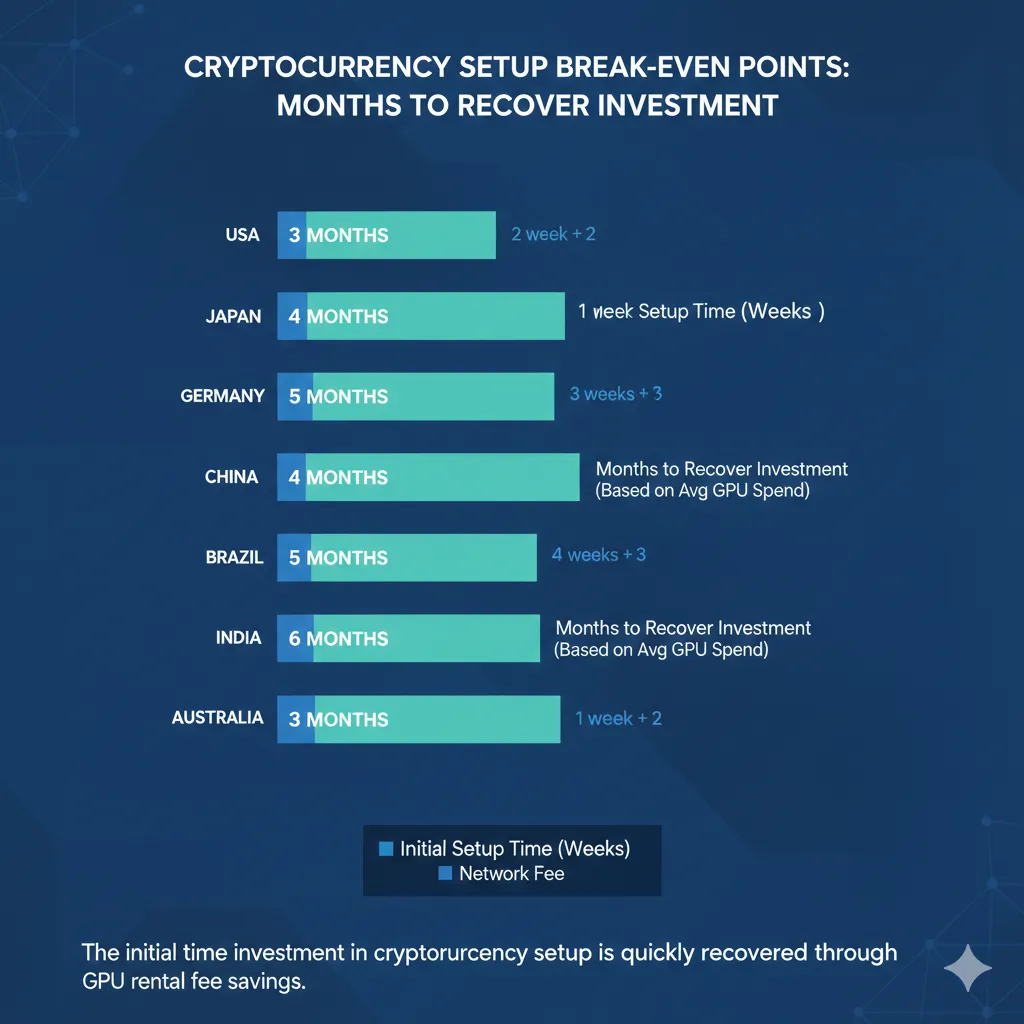
Break-Even Analysis: When Does Crypto Make Sense?
Setting up cryptocurrency payments requires initial time investment:
- Creating wallet: 10 minutes
- Funding wallet via exchange: 30-60 minutes (including verification)
- Learning platform interface: 15-30 minutes
- Total setup time: 1-2 hours
Assuming developer time valued at $50-100/hour, setup cost is approximately $50-200.
Break-even spending levels by country:
| Country | Setup Cost Recovery Point |
|---|---|
| Brazil | First $150-400 in GPU spending |
| India | First $200-600 in GPU spending |
| Nigeria | First $50-150 in GPU spending |
| Japan | First $1,000-4,000 in GPU spending |
| Germany | First $1,200-5,000 in GPU spending |
| Turkey | First $150-400 in GPU spending |
| Argentina | First $25-75 in GPU spending |
For developers in high-fee countries (Nigeria, Argentina, Brazil, Turkey), cryptocurrency setup pays for itself within the first month of typical usage. For developers in low-fee countries (Japan, Germany), break-even requires 3-12 months depending on usage volume.
Recommendation threshold: If you expect to spend more than $500 total on GPU rental, cryptocurrency setup is worthwhile regardless of country. If you are in Brazil, Nigeria, Turkey, Argentina, or similar high-fee markets, setup is worthwhile even for one-time $50 rentals.
Step-by-Step: Setting Up Cryptocurrency Payments for GPU Rental
Understanding the fee savings is useful. Actually capturing those savings requires implementation. This section provides concrete steps for developers in each target region to begin using cryptocurrency for GPU rental.
Universal Setup Process
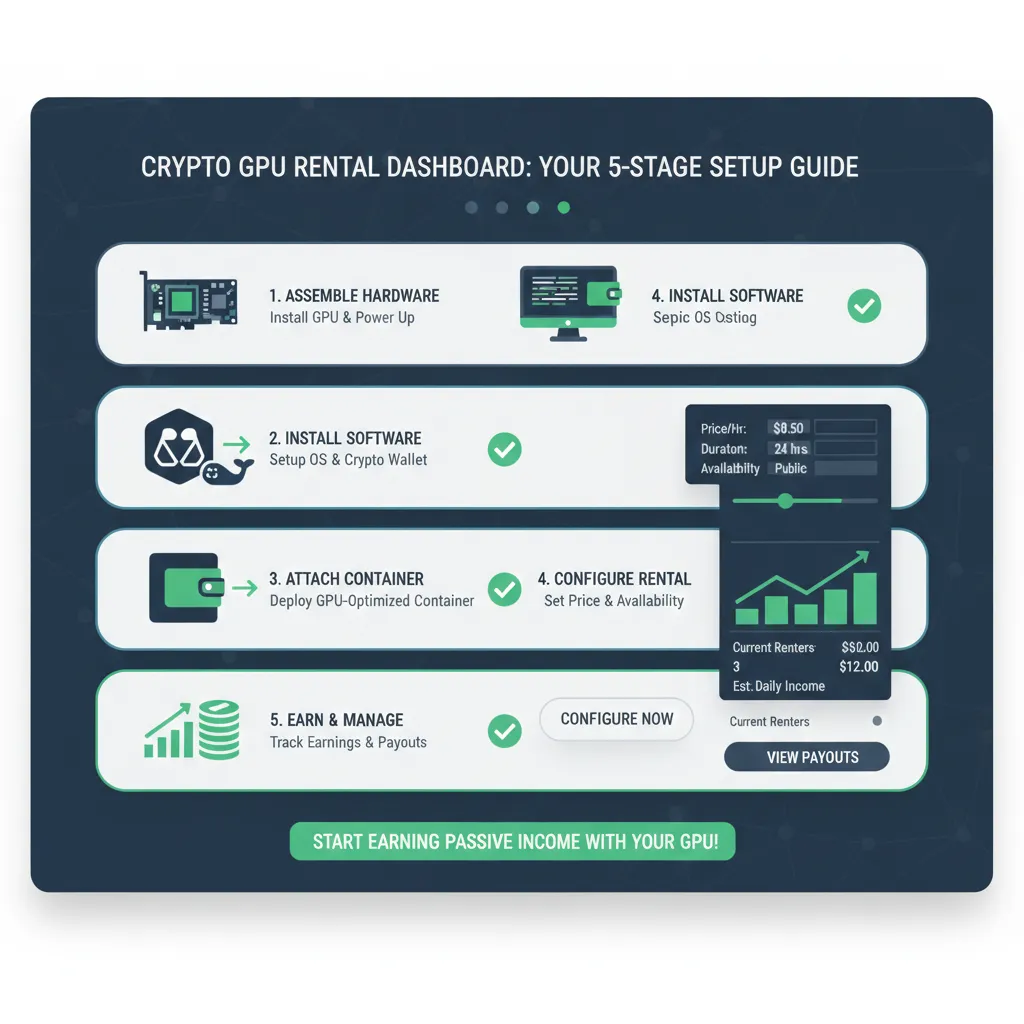
Regardless of country, the cryptocurrency GPU rental workflow follows the same pattern:
- Create cryptocurrency wallet (one-time, 10 minutes)
- Purchase stablecoins on local exchange (per-deposit, 5-15 minutes)
- Transfer to wallet on low-fee network (per-deposit, 2-5 minutes)
- Connect wallet to GPU platform (one-time, 1 minute)
- Deposit and rent (per-rental, 2-3 minutes)
Total first-time setup: approximately 45-60 minutes Subsequent deposits: approximately 10-15 minutes
Step 1: Create Cryptocurrency Wallet
Recommended wallet: MetaMask
MetaMask is a browser extension wallet supporting Ethereum and compatible networks including Polygon. It works with GPUFlow and most cryptocurrency-accepting GPU platforms.
Installation:
- Visit metamask.io (verify URL carefully—phishing sites exist)
- Click “Download” and select your browser (Chrome, Firefox, Brave, Edge)
- Add extension to browser
- Click “Create a new wallet”
- Create password for local access
- Critical step: Write down 12-word seed phrase on paper
- Store in secure location (safe, lockbox)
- Never photograph or store digitally
- Never enter on any website
- This phrase provides complete wallet access
- Confirm seed phrase by selecting words in order
- Wallet creation complete
Add Polygon network:
MetaMask defaults to Ethereum mainnet. Polygon offers dramatically lower fees.
- Click network dropdown (shows “Ethereum Mainnet”)
- Click “Add network”
- Select “Add network manually”
- Enter Polygon details:
- Network Name:
Polygon Mainnet - RPC URL:
https://polygon-rpc.com - Chain ID:
137 - Currency Symbol:
MATIC - Block Explorer:
https://polygonscan.com
- Network Name:
- Click “Save”
- Switch to Polygon network using dropdown
Alternative quick method:
- Visit chainlist.org
- Search “Polygon”
- Click “Add to MetaMask”
- Approve in MetaMask popup
Your wallet address (starting with 0x) is the same across Ethereum and Polygon. Funds sent on either network arrive at this address but exist on their respective networks.
Step 2: Purchase Stablecoins (Country-Specific)
Each country has different exchange options. The following recommendations reflect February 2026 availability and fees.
Brazil:
| Exchange | Fee | Verification | Deposit Method |
|---|---|---|---|
| Mercado Bitcoin | 0.5% | Required | PIX, TED |
| Binance Brazil | 0.1% | Required | PIX |
| NovaDAX | 0.5% | Required | PIX, TED |
Recommended process:
- Create Mercado Bitcoin or Binance Brazil account
- Complete identity verification (CPF required, 1-24 hours)
- Deposit BRL via PIX (instant, free)
- Purchase USDC (select Polygon network if option available)
- Withdraw USDC to your MetaMask wallet address
India:
| Exchange | Fee | Verification | Deposit Method |
|---|---|---|---|
| WazirX | 0.2% | Required | UPI, IMPS, Bank |
| CoinDCX | 0.2% | Required | UPI, Bank |
| Binance (via P2P) | 0-0.5% | Required | UPI, IMPS |
Recommended process:
- Create WazirX account
- Complete KYC (PAN, Aadhaar, 1-48 hours)
- Deposit INR via UPI (instant, free)
- Purchase USDC
- Withdraw to MetaMask on Polygon network
Nigeria:
| Exchange | Fee | Verification | Deposit Method |
|---|---|---|---|
| Luno | 0.5% | Required | Bank transfer |
| Quidax | 0.5% | Required | Bank transfer |
| Binance P2P | 0-1% | Required | Bank transfer |
Recommended process:
- Create Binance account (best rates via P2P)
- Complete identity verification (BVN required)
- Navigate to P2P trading
- Select “Buy USDC” with NGN
- Choose seller with high completion rate (98%+)
- Complete bank transfer to seller
- Receive USDC in Binance wallet
- Withdraw to MetaMask on Polygon network
P2P trading connects you directly with individuals selling USDC. Rates reflect actual market conditions rather than official CBN rates.
Japan:
| Exchange | Fee | Verification | Deposit Method |
|---|---|---|---|
| bitFlyer | 0.15% | Required | Bank transfer |
| GMO Coin | 0.05% | Required | Bank transfer |
| Coincheck | 0.1% | Required | Bank transfer |
Recommended process:
- Create bitFlyer or GMO Coin account
- Complete verification (My Number card, 1-3 days)
- Deposit JPY via bank transfer
- Purchase USDC or ETH (convert to USDC if needed)
- Withdraw to MetaMask on Polygon network
Note: Japanese exchanges may not support direct USDC withdrawal to Polygon. If only Ethereum withdrawal available, withdraw to Ethereum then bridge to Polygon using Polygon Bridge (bridge.polygon.technology).
Germany:
| Exchange | Fee | Verification | Deposit Method |
|---|---|---|---|
| Kraken | 0.26% | Required | SEPA |
| Bitstamp | 0.5% | Required | SEPA |
| Coinbase | 1.49% | Required | SEPA |
Recommended process:
- Create Kraken account (best fees)
- Complete verification (passport/ID, 1-24 hours)
- Deposit EUR via SEPA (free, 1-2 business days)
- Purchase USDC
- Withdraw to MetaMask on Polygon network
Turkey:
| Exchange | Fee | Verification | Deposit Method |
|---|---|---|---|
| BtcTurk | 0.2% | Required | Bank transfer |
| Paribu | 0.25% | Required | Bank transfer |
| Binance TR | 0.1% | Required | Bank transfer |
Recommended process:
- Create BtcTurk or Binance TR account
- Complete verification (TC Kimlik, 1-24 hours)
- Deposit TRY via bank transfer
- Purchase USDC or USDT
- Withdraw to MetaMask on Polygon network
Argentina:
| Exchange | Fee | Verification | Deposit Method |
|---|---|---|---|
| Binance P2P | 0-1% | Required | Bank transfer |
| Ripio | 1% | Required | Bank transfer |
| Lemon Cash | 0.5% | Required | Bank transfer |
Recommended process:
- Create Binance account
- Complete verification (DNI required)
- Navigate to P2P trading
- Select “Buy USDC” with ARS
- Choose seller with high completion rate
- P2P rate reflects blue dollar market
- Complete bank transfer to seller
- Withdraw USDC to MetaMask on Polygon
Step 3: Transfer to Low-Fee Network
If your exchange supports direct Polygon withdrawal, select Polygon when withdrawing USDC. If only Ethereum withdrawal is available, you have two options:
Option A: Withdraw on Ethereum, bridge to Polygon
- Withdraw USDC to MetaMask on Ethereum network
- Ensure you have ETH for gas (~$5 worth)
- Visit bridge.polygon.technology
- Connect MetaMask
- Select USDC, enter amount
- Approve and bridge (costs $2-10 in gas)
- Wait 7-15 minutes for bridging
- USDC appears in MetaMask on Polygon network
Option B: Use exchange with Polygon support
Many exchanges now support direct Polygon withdrawals:
- Binance: Polygon USDC supported
- Crypto.com: Polygon USDC supported
- KuCoin: Polygon USDC supported
- FTX: Polygon USDC supported
Direct Polygon withdrawal costs $0.10-1.00 versus $5-15 for Ethereum withdrawal plus bridging.
Step 4: Acquire MATIC for Gas Fees
Polygon network requires MATIC tokens for transaction fees. Fees are typically $0.001-0.05 per transaction, but you need a small MATIC balance to execute any transaction.
Options to acquire MATIC:
Option A: Purchase small amount on exchange
Buy $2-5 worth of MATIC and withdraw to your Polygon wallet. This provides enough gas for 100+ transactions.
Option B: Use a faucet
Some services provide free MATIC for new users:
- alchemy.com/faucets/polygon-mainnet
- Various community faucets (search “Polygon MATIC faucet”)
Faucet amounts are small (0.001-0.01 MATIC) but sufficient for initial transactions.
Option C: GPUFlow gas sponsorship
GPUFlow and some platforms sponsor gas fees for first-time users. Connect wallet and the platform provides enough MATIC for initial deposit transaction.
Step 5: Connect Wallet and Deposit
With USDC in your MetaMask wallet on Polygon network and small MATIC balance for gas:
- Visit GPU rental platform (e.g., gpuflow.app)
- Click “Connect Wallet”
- Select MetaMask
- Approve connection in MetaMask popup
- Ensure Polygon network is selected (platform will prompt if wrong network)
- Navigate to deposit or fund account
- Enter USDC amount to deposit
- Click deposit/confirm
- Approve transaction in MetaMask (gas fee shown, typically $0.01-0.05)
- Wait for confirmation (5-30 seconds)
- Balance appears in platform account
You are now ready to rent GPUs.
Step 6: Rent and Manage
- Browse available GPUs
- Select instance matching requirements
- Click “Rent” or “Deploy”
- Confirm rental terms and cost
- Approve escrow transaction in MetaMask
- Wait for confirmation
- Access GPU via provided connection details
- Complete work
- Terminate rental
- Unused funds return automatically (smart contract platforms) or remain as credit
For detailed rental process walkthrough, see our Complete Guide to Renting GPUs with Cryptocurrency.
Common Objections and Practical Responses
Developers considering cryptocurrency payments often have legitimate concerns. This section addresses the most common objections with practical responses.
”Cryptocurrency is too volatile for business expenses”
The concern: Bitcoin dropped 60% in 2022. Holding cryptocurrency exposes my GPU budget to market volatility.
The response: Use stablecoins, not volatile cryptocurrencies.
Stablecoins like USDC maintain 1:1 peg with the US dollar. Your $100 USDC remains worth $100 regardless of what Bitcoin, Ethereum, or any other cryptocurrency does. The volatility concern applies to speculative assets, not dollar-pegged stablecoins.
Practical workflow:
- Convert local currency to USDC immediately before GPU rental
- Deposit USDC to platform
- Rent GPU
- No volatility exposure at any point
Holding period between currency conversion and GPU payment can be minutes. There is no requirement to “hold cryptocurrency” as a speculative investment.
”I don’t understand cryptocurrency”
The concern: Blockchain, wallets, gas fees—this seems complicated. I just want to rent a GPU.
The response: The learning curve is approximately 30-60 minutes, comparable to learning any new payment system.
Relevant concepts for GPU rental:
- Wallet: Like a bank account, but you control the keys
- Stablecoins: Digital dollars that move on blockchain
- Gas fees: Transaction costs, typically $0.01-0.10
- Network: Which blockchain you use (Polygon recommended)
You do not need to understand blockchain consensus, cryptography, or DeFi to use cryptocurrency for payments. The complexity lives below the user interface level, just as you do not need to understand SWIFT or ACH to use bank transfers.
”Exchanges require KYC anyway, so why bother?”
The concern: If I have to verify identity on an exchange to buy cryptocurrency, I have not gained privacy over using a credit card with KYC.
The response: The privacy benefit is selective, not absolute.
Exchange KYC connects your identity to cryptocurrency purchase, not to subsequent usage. The GPU platform sees only your wallet address, not your identity, location, or purchase history. This provides:
- Platform-level privacy: GPU rental platforms do not know who you are
- Transaction privacy: Individual rentals are not linked to your banking records
- Selective disclosure: You choose what information each party receives
Additionally, some users acquire cryptocurrency through:
- P2P trading with lighter KYC requirements
- Bitcoin ATMs (varies by jurisdiction)
- Payment for services rendered
- Mining or staking rewards
For users in high-fee countries, the primary benefit is cost savings, not privacy. You can use KYC exchanges and still save 5-25% on GPU rental costs.
”What if the exchange freezes my account?”
The concern: Cryptocurrency exchanges have frozen accounts, gone bankrupt, or been hacked. My funds could be trapped.
The response: Do not store significant funds on exchanges.
The recommended workflow:
- Deposit fiat to exchange
- Purchase stablecoins
- Immediately withdraw to personal wallet
- Store in wallet you control until needed
Exchange exposure should be minutes, not days or weeks. Once USDC is in your MetaMask wallet, no exchange can freeze, access, or lose those funds. You hold the private keys.
For GPU rental specifically:
- Deposit only what you need for near-term rental
- Withdraw unused platform balance when not actively renting
- Maintain minimal exchange balance
The risk of exchange issues is real but manageable through proper workflow.
”What about taxes and reporting?”
The concern: Cryptocurrency creates tax complexity. I don’t want accounting headaches for GPU rental.
The response: Tax obligations exist but are manageable.
For most jurisdictions, using stablecoins for service payments creates minimal tax events:
- Purchasing USDC with fiat: No taxable event (exchange, not gain)
- Spending USDC on GPU rental: Technical disposition, but gain is minimal
- If USDC remains pegged: $100 USDC → $100 service = $0 gain
The complexity arises with volatile cryptocurrencies where gains and losses accumulate. Stablecoins minimize this by maintaining constant dollar value.
Practical approach:
- Use stablecoins exclusively for GPU rental
- Track transactions (export from wallet or exchange)
- Report as business expense (deductible in most jurisdictions)
- Consult local tax professional for specific requirements
GPU rental costs remain deductible business expenses regardless of payment method. The payment mechanism does not change the expense nature.
”My country has cryptocurrency restrictions”
The concern: Cryptocurrency regulations in my country are unclear or restrictive. Using crypto might create legal problems.
The response: Regulations vary significantly, and most restrictions target exchanges or conversion, not usage.
Generally permitted in most jurisdictions:
- Holding cryptocurrency in personal wallet
- Using cryptocurrency for international service payments
- Converting fiat to stablecoins via licensed exchanges
Potentially restricted:
- Operating unlicensed exchange
- Large-scale trading without registration
- Tax evasion (problem regardless of payment method)
For individual developers purchasing GPU rental services:
- Use licensed/registered exchanges in your jurisdiction
- Maintain transaction records
- Report as required by local tax law
- Consult legal professional if uncertainty exists
The regulatory concern is real in some jurisdictions (China ban, Indian uncertainty, Nigerian restrictions). However, using cryptocurrency for legitimate business purchases through compliant exchanges generally remains permissible where cryptocurrency is not outright banned.
”Credit card points and benefits”
The concern: I earn cashback, travel points, or other rewards on credit card spending. Cryptocurrency offers no rewards.
The response: Calculate whether rewards exceed fees.
Example calculation:
$500 monthly GPU rental from India:
- Credit card fees: ~6% = $30 monthly cost
- Credit card cashback: 1.5% = $7.50 monthly benefit
- Net cost: $22.50 monthly
Cryptocurrency fees: ~0.25% = $1.25 monthly
- Net cost: $1.25 monthly
Cryptocurrency saves $21.25 monthly despite foregoing credit card rewards.
Break-even point: Cryptocurrency becomes advantageous when fees exceed rewards. For most international users, fees substantially exceed rewards. US domestic users with premium no-foreign-fee cards and high reward rates may genuinely benefit from credit card payments.
Calculate your specific situation:
- (Credit card fees) - (Credit card rewards) = Net credit card cost
- Compare to cryptocurrency transaction costs
- Choose method with lower net cost
”This seems like too much effort for small savings”
The concern: Learning cryptocurrency for $50 annual savings is not worth my time.
The response: Savings scale with usage, and setup is one-time.
One-time setup: 45-60 minutes Ongoing time per deposit: 10-15 minutes (similar to any payment method)
For light users ($100/month):
- Brazilian user saves $137 annually (setup pays for itself in 3-4 months)
- German user saves $9 annually (may not justify setup for small users)
For moderate users ($500/month):
- Brazilian user saves $682 annually
- German user saves $46 annually
For heavy users ($2,000/month):
- Brazilian user saves $2,730 annually
- German user saves $183 annually
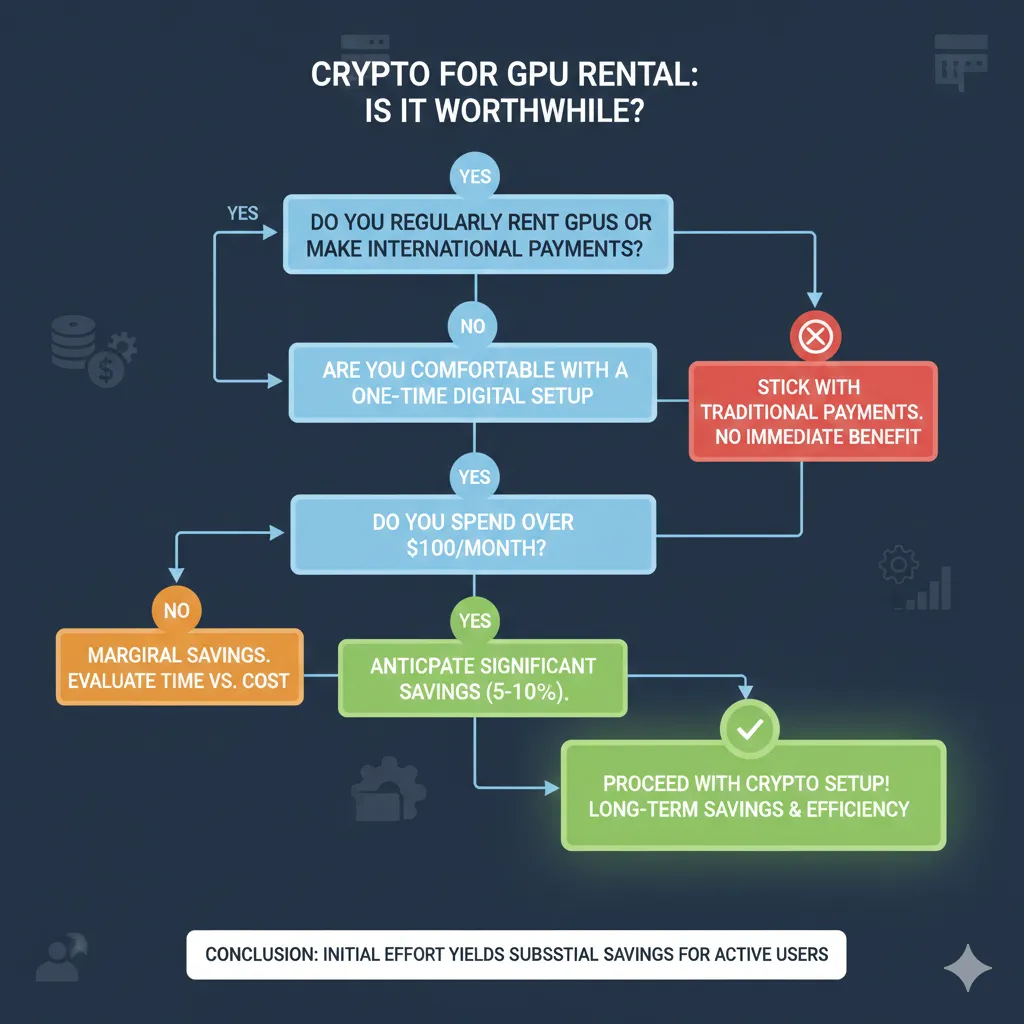
The effort/reward calculation depends on your country and usage volume. For developers in high-fee countries, the savings justify setup even for occasional GPU rental. For developers in low-fee countries, heavier usage is required to justify the learning investment.
Conclusion: Capturing Hidden Value
International GPU rental carries costs that never appear on GPU platform pricing pages. Credit card foreign transaction fees, currency conversion spreads, wire transfer charges, and government taxes combine to add 5-25% to GPU costs for developers outside the United States. These fees flow to banks and payment processors rather than GPU providers—pure friction in the system.
Cryptocurrency payments eliminate this friction. A Polygon transaction costs $0.01-0.05 regardless of whether it originates in Lagos, São Paulo, Mumbai, or Tokyo. The GPU provider receives the exact amount sent. No intermediaries extract percentages along the way.
The Core Savings Opportunity
For developers in high-fee countries (Brazil, Nigeria, Turkey, Argentina, India):
- Savings range: 8-77% of GPU spending
- Annual impact: $350-18,000+ depending on usage
- Setup time: 45-60 minutes (one-time)
- Ongoing overhead: Comparable to any payment method
For developers in low-fee countries (Japan, Germany, UK, Canada):
- Savings range: 1-3% of GPU spending
- Annual impact: $50-200 depending on usage
- Additional benefits: Speed, consistency, privacy
- Break-even: 3-12 months depending on volume
Immediate Action Steps
Step 1: Calculate your current fees
Review recent GPU rental credit card statements:
- Identify foreign transaction fee line items
- Calculate currency conversion spread (compare statement rate to interbank rate)
- Sum total fees as percentage of GPU spending
Step 2: Evaluate whether cryptocurrency is worthwhile
- If total fees exceed 3%: Cryptocurrency likely saves money
- If fees exceed 5%: Cryptocurrency definitely saves money
- If usage exceeds $500 annually: Setup time justified for most countries
Step 3: Start small
- Create MetaMask wallet (10 minutes)
- Purchase $20-50 USDC through local exchange
- Make one small GPU rental
- Experience the full workflow before committing larger amounts
Step 4: Scale with confidence
After successful test rental:
- Establish regular workflow for cryptocurrency purchases
- Maintain small USDC balance for opportunistic GPU usage
- Track savings to quantify benefit
The Broader Picture
Payment infrastructure was not designed for a global economy where a developer in Lagos collaborates with a team in London on infrastructure hosted in Singapore. Credit card networks and correspondent banking extract rent from every cross-border transaction because they can, not because the service costs that much to provide.
Cryptocurrency represents infrastructure designed for global transactions from the beginning. Transaction costs reflect actual computational resources required (minimal), not legacy banking profit margins. This is not ideology—it is engineering.
For GPU rental specifically, the combination matters: global supply of compute resources meeting global demand for compute resources, connected by payment rails that do not penalize either party for their geographic location.
The developers who recognize this arbitrage—where identical compute resources cost 5-25% less depending on payment method—capture real competitive advantage. They fund more GPU hours, train larger models, and iterate faster than peers paying bank fees on every transaction.
The setup takes an hour. The savings compound indefinitely.
Related Resources
From this site:
- Complete Guide to Renting GPUs with Cryptocurrency — Full walkthrough of crypto GPU rental including smart contract escrow
- GPU Rental Pricing Comparison 2026 — Base pricing across all major platforms
- Setting Up MetaMask and Polygon for GPU Rental — Detailed wallet configuration guide
External resources:
- MetaMask Documentation — Official wallet setup and troubleshooting
- Polygon Network — Network information and bridging tools
- CoinGecko — Exchange comparison and fee information
Ready to eliminate hidden fees from your GPU rental? GPUFlow accepts cryptocurrency payments on Polygon network with smart contract escrow and no KYC requirements. Connect your wallet and start computing in under 60 seconds—with the same low fees whether you’re in Lagos, São Paulo, Mumbai, or anywhere else.